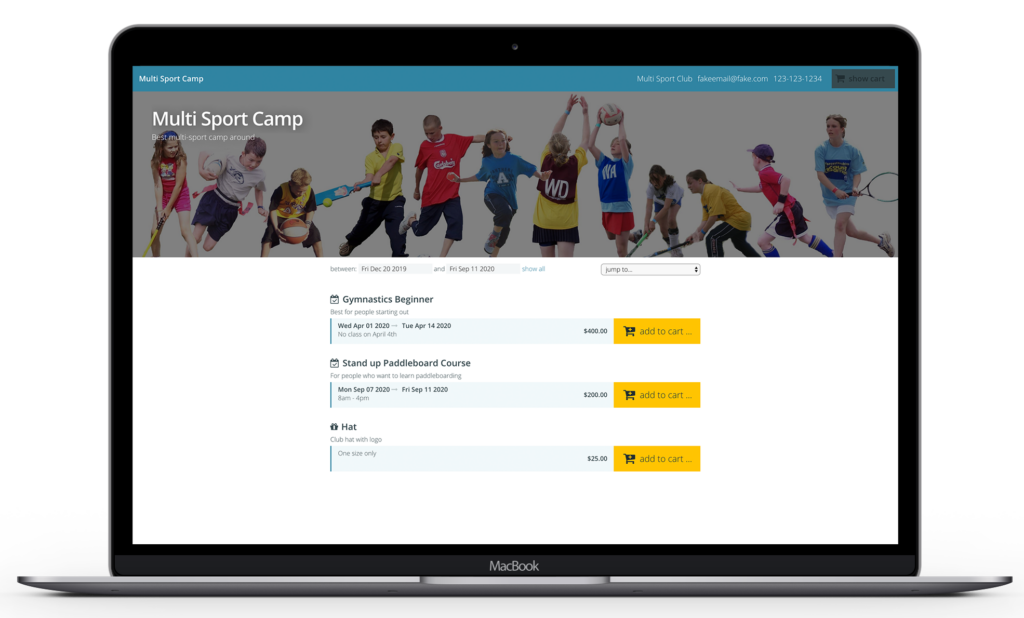
If you are offering the same product(s) (courses, memberships, events) but with new dates, you’ll want to create new sessions. This part is critical, DO NOT change the dates of previous years’ offerings but instead, clone your existing products and there is an easy way to do that with one click using the “Clone last year’s sessions” feature.
CONSIDER IF THERE'S INFORMATION THAT YOU'D LIKE TO COLLECT FROM REGISTRANTS
Is there information that you didn’t collect last year which you’d like to collect this year? For example, emergency contact information. You can do that with profile questions or storefront questions.
SET UP WAITLISTS
Were your customers asking for more spaces in your courses or events but you didn’t capture their registrations on a waitlist? Have a look here on how to setup wait lists and how to manage your waitlist
If you’re stuck and could use a quick “crash” course via screen share, book your 30 minutes session directly with Dominik at at time that’s convenient for you in this calendar.